
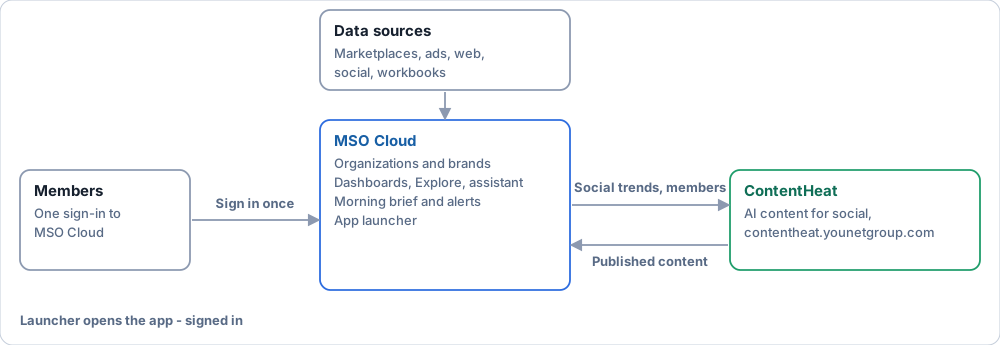
MSO Cloud brings an organization's marketplace, marketing and social data into dashboards, a daily brief and alerts, with the reason shown next to every number. It is also the hub of the app family: you sign in once and open ContentHeat from the launcher.
Where to start#
| Your role | Read in this order |
|---|---|
| Owner | What MSO Cloud is · Daily work by role · Read and act on the morning brief · Solutions by use case |
| Admin | Set up an organization · Connect a marketplace · Configure alerts · Organization settings · Troubleshooting |
| Editor (Ops, Finance) | Daily work by role · Your organization type · Data validation · Edit a dashboard |
| Viewer | Daily work by role · Explore · Read and act on the morning brief · Exports |
| Evaluating MSO Cloud | What MSO Cloud is · Solutions by use case · Why it can be trusted · App family and sign-in |
| Platform administrator | Platform administration · Provision a new organization · Roles and capabilities matrix |
The page you see after signing in is set per organization and per brand: Daily work by role. What each part can do today is in Project status.